
WebHookDeck: Watch Webhooks
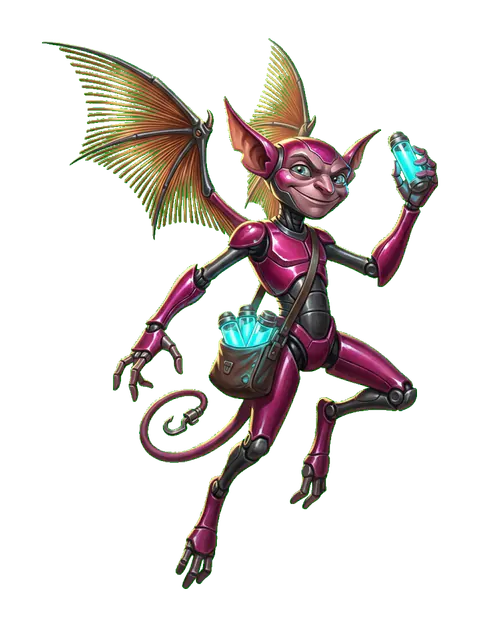
Relay Imp
Configure trusted HTTP actions on Android, sync selected favorites, and trigger them from Wear OS with confirmation, status feedback, Tile and complication access, plus an optional one-time Pro unlock.
- Android + Wear OS
- Free + one-time Pro
- Phone companion required
- Tile
- Complication
Card stats
- Platform
- Android + Wear OS
- Purchase model
- Free + one-time Pro
- Phone required?
- Yes
- Standalone?
- No
- Tile
- Yes
- Complication
- Yes
- Account required?
- No
- Network
- Network access is required when sending configured webhook requests.
What can WebHookDeck: Watch Webhooks help with?
- Trigger a saved webhook, n8n workflow, Home Assistant action, or other trusted HTTP endpoint from a Wear OS watch
- Configure and test HTTP actions on Android, then sync selected favorites to the watch
- Launch watch automation without routing requests through a developer-operated relay server
Screenshots


Key Features
- Create reusable HTTP actions on Android with method, URL, headers, query parameters, request body, timeout, and dynamic placeholders
- Test actions on the phone, mark watch favorites, and synchronize the selected configuration to Wear OS
- Trigger synced actions from the watch with confirmation flows, result status, haptics, and recent result history
- Use the Wear OS Tile for quick access while avoiding silent background execution; the complication opens the app instead of directly firing an action
- Use WebHookDeck with user-configured n8n, Home Assistant, GitHub Actions, Jenkins, Slack or Discord webhooks, Cloudflare Workers, Azure DevOps, internal APIs, scripts, and other HTTP endpoints
- Sensitive values are kept in app-private storage, protected with Android Keystore-backed encryption where implemented, and redacted from normal logs or exports by default
- An Android phone is required for setup; the Wear OS app triggers the synced actions after configuration
- Optional one-time Pro access is handled through Google Play Billing; there is no subscription
- No WebHookDeck account, developer relay, cloud database, advertising SDK, analytics SDK, or crash-reporting backend in the current production release
- User-configured network requests go directly to the endpoints the user chooses; Google Play separately handles purchase processing
Frequently asked questions
Does WebHookDeck require an Android phone?
Yes. The phone app is used to create, edit, test, and synchronize actions. The Wear OS app is used to trigger the selected synced actions.
Does WebHookDeck include a Tile or complication?
Yes. The Tile provides quick access without silent background execution, and the complication opens the app rather than directly firing an action.
Does WebHookDeck route my webhooks through a developer server?
No. Requests are sent to endpoints you configure. WebHookDeck does not operate a developer relay or account backend.
Does WebHookDeck use Google Play Billing?
Yes. The current production app includes an optional one-time Pro purchase handled by Google Play Billing. It is not a subscription.
Does WebHookDeck show ads?
No. The current production release does not include an advertising SDK or show ads.
Can configured webhooks contain sensitive information?
Yes. URLs, headers, request bodies, and tokens can be sensitive. Configure only endpoints you own or trust and review exports before sharing them.
Add Relay Imp to your collection
Free + one-time Pro. One tap from Google Play.
Help & feedback
Report a problem, suggest an improvement, or contact the developer about WebHookDeck: Watch Webhooks. No GitHub account is required.
Related creatures
View developer profile
PeerPush
Find WebHookDeck: Watch Webhooks on PeerPush
Open the product listing on PeerPush for another way to discover and share this app.
Learn how this Wear OS app fits the workflow
Use the focused guide when you want the practical workflow, or explore related Wear OS apps for the same type of task.
Browse all Wear OS apps