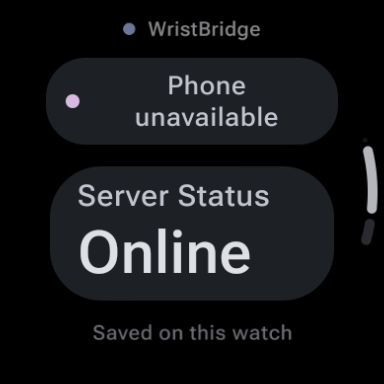
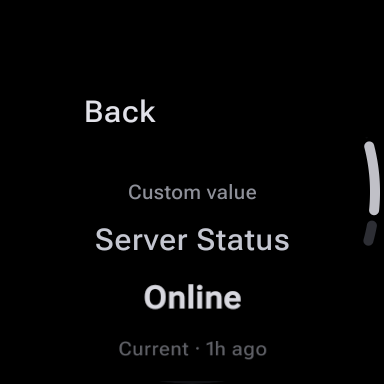
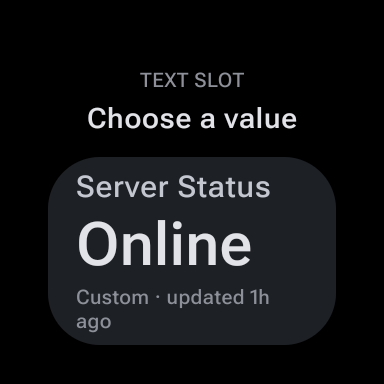
Configure trusted HTTP actions on Android, sync selected favorites, and trigger them from Wear OS with confirmation, status feedback, Tile and complication access, plus an optional one-time Pro unlock.
Quick Facts
- Platform
- Android + Wear OS
- Purchase model
- Free + one-time Pro
- Phone required?
- Yes
- Standalone?
- No
- Complication
- Yes
- Account required?
- No
- Network
- Network access is required on the Android phone for user-configured REST/JSON sources; manual and Tasker values can remain local.
What can WristBridge: Wear OS Data help with?
Common problem statements this app is designed to address:
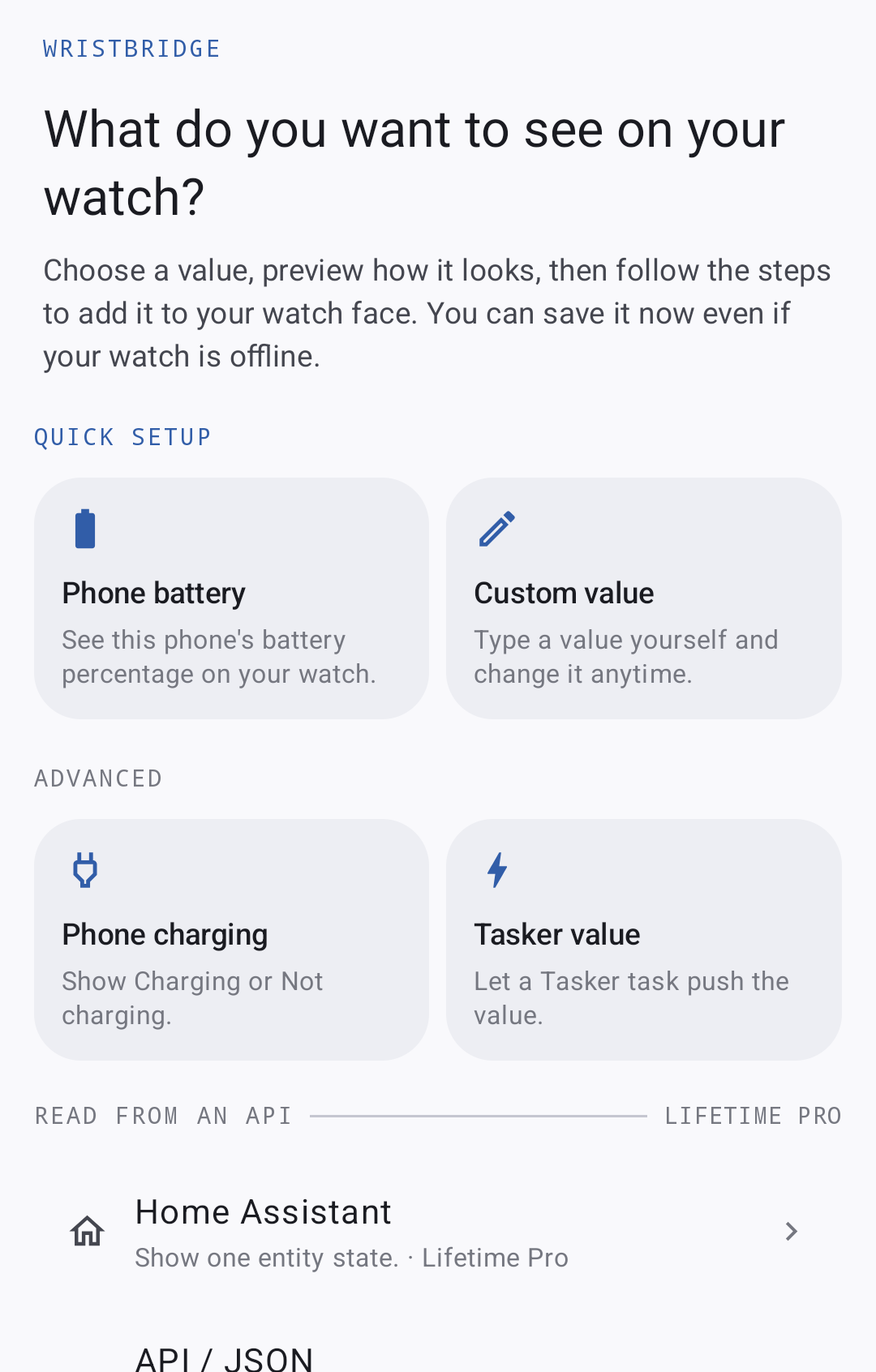
- Show Tasker values in native Wear OS watch-face complications
- Put supported HTTPS JSON API values on a Wear OS watch face without building a custom watch face
- Keep the last valid complication value visible when the phone or network is temporarily unavailable
Screenshots


Key Features
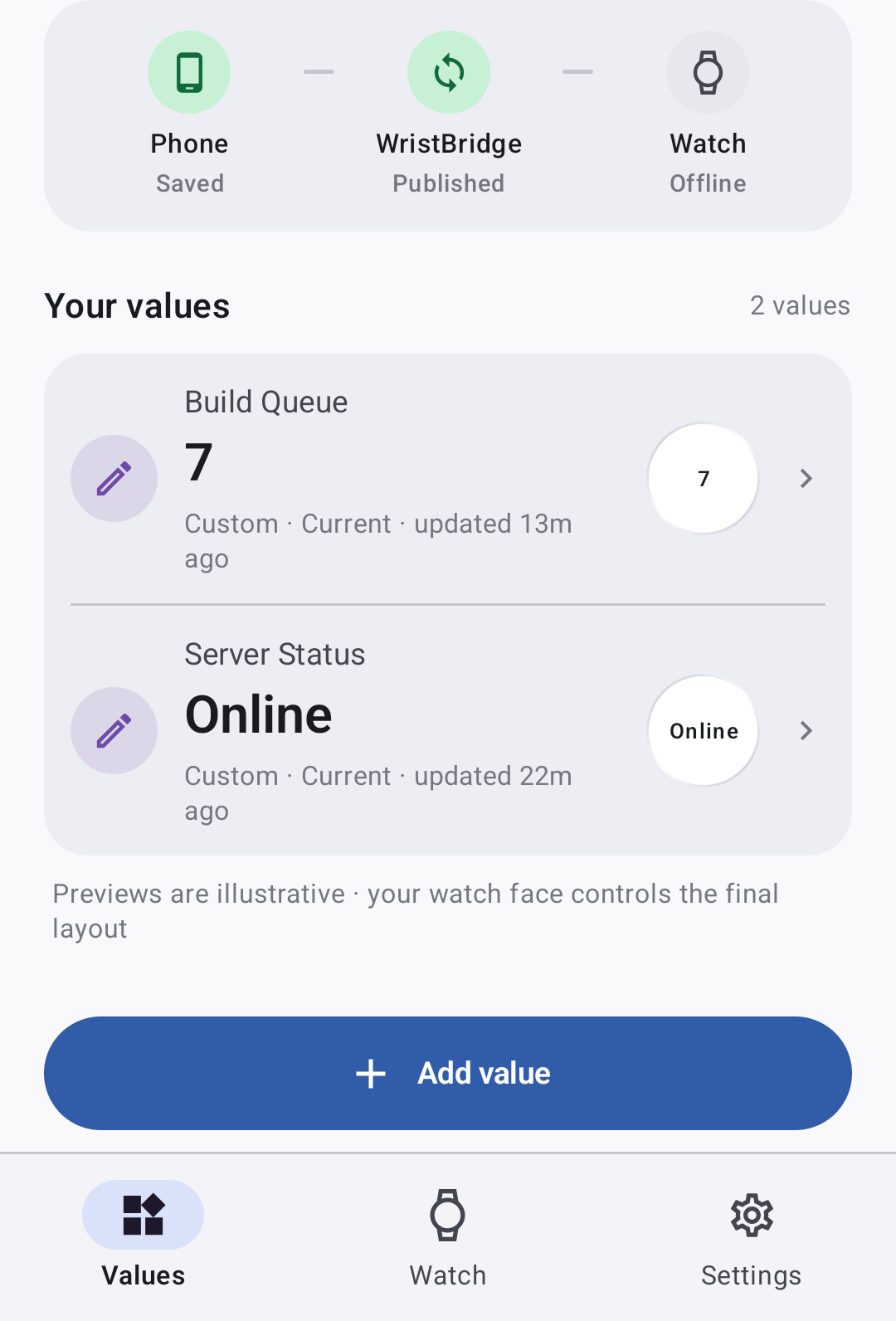
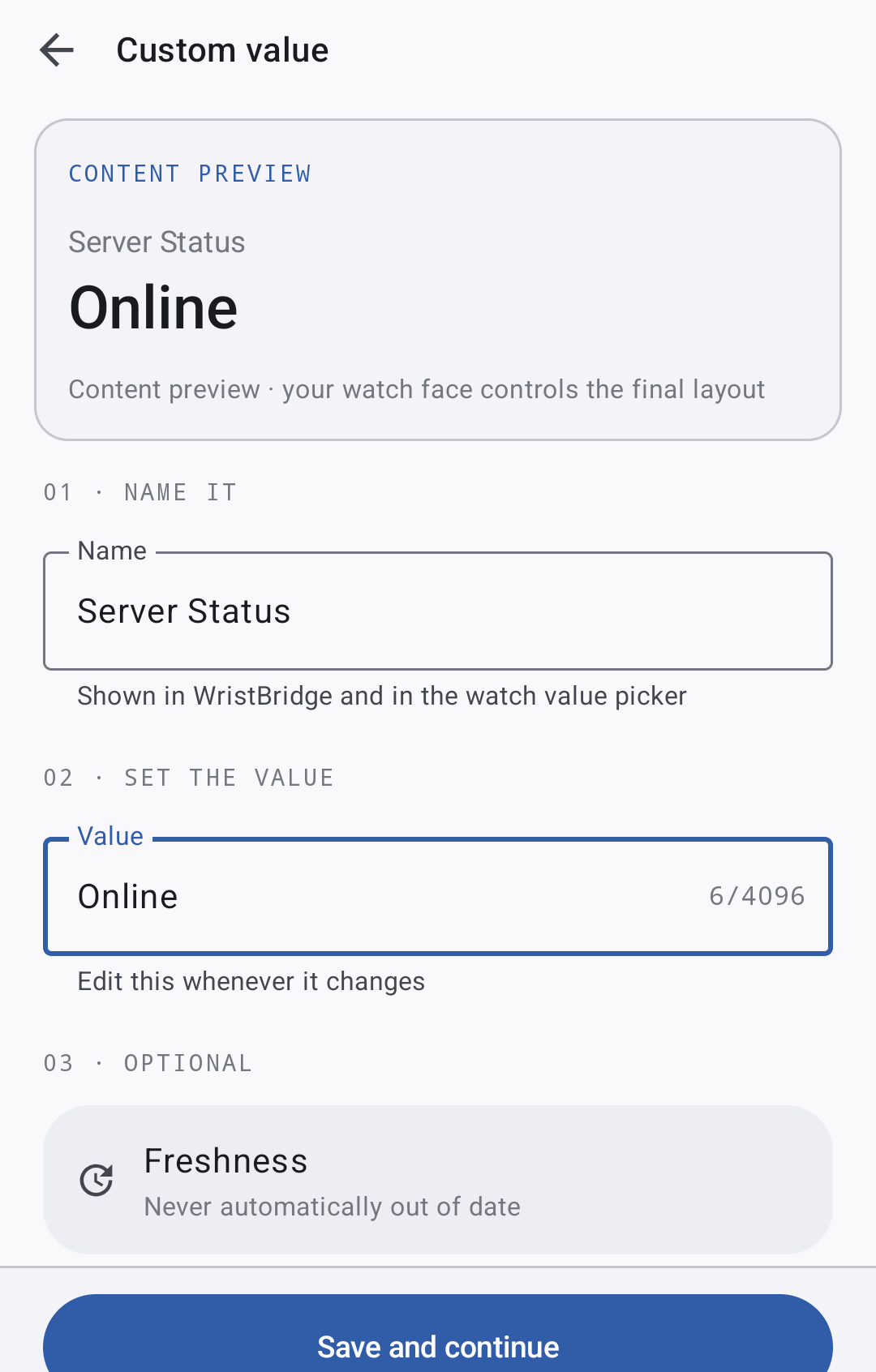
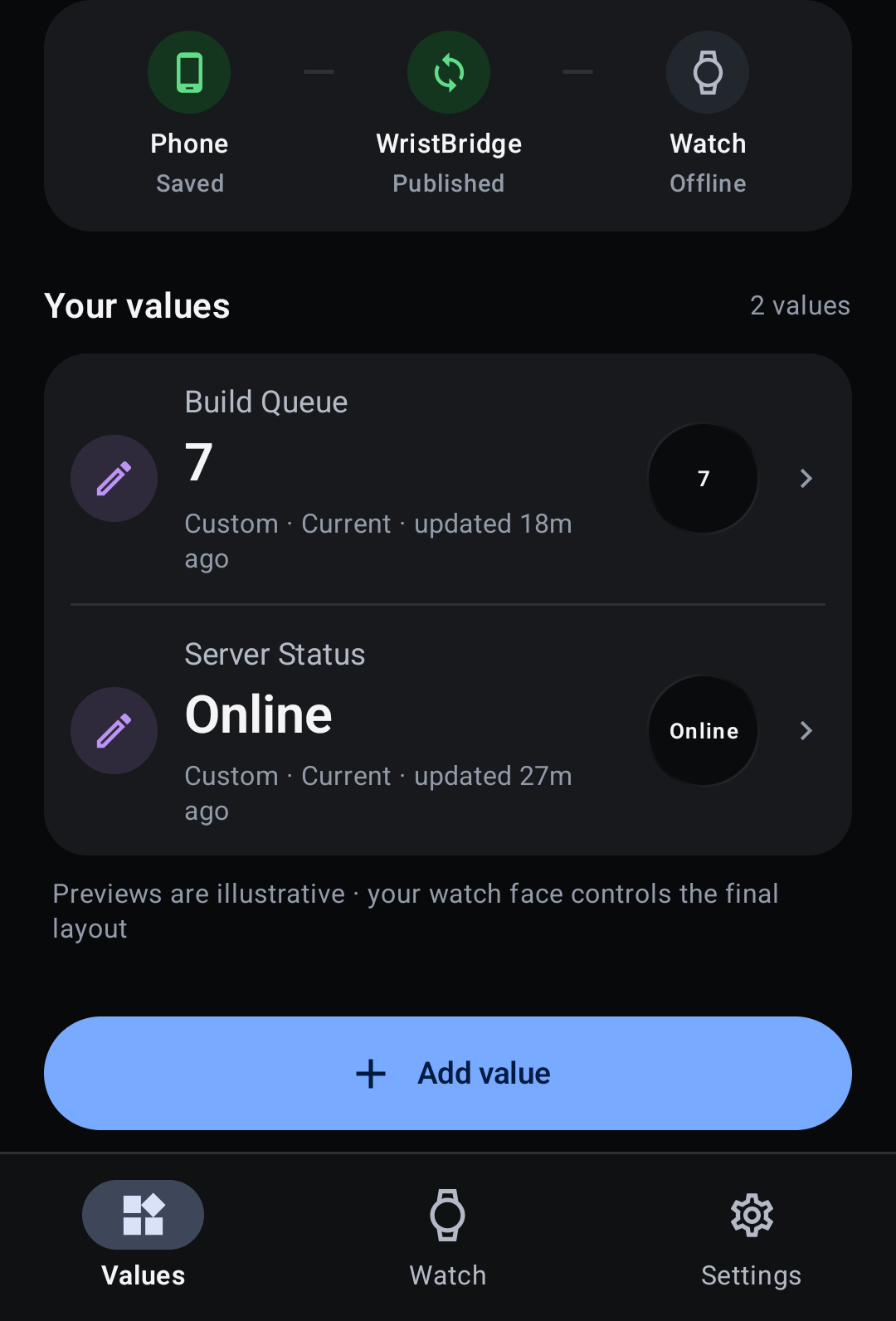
- Create manual/custom values on the Android companion and synchronize them to the paired Wear OS app
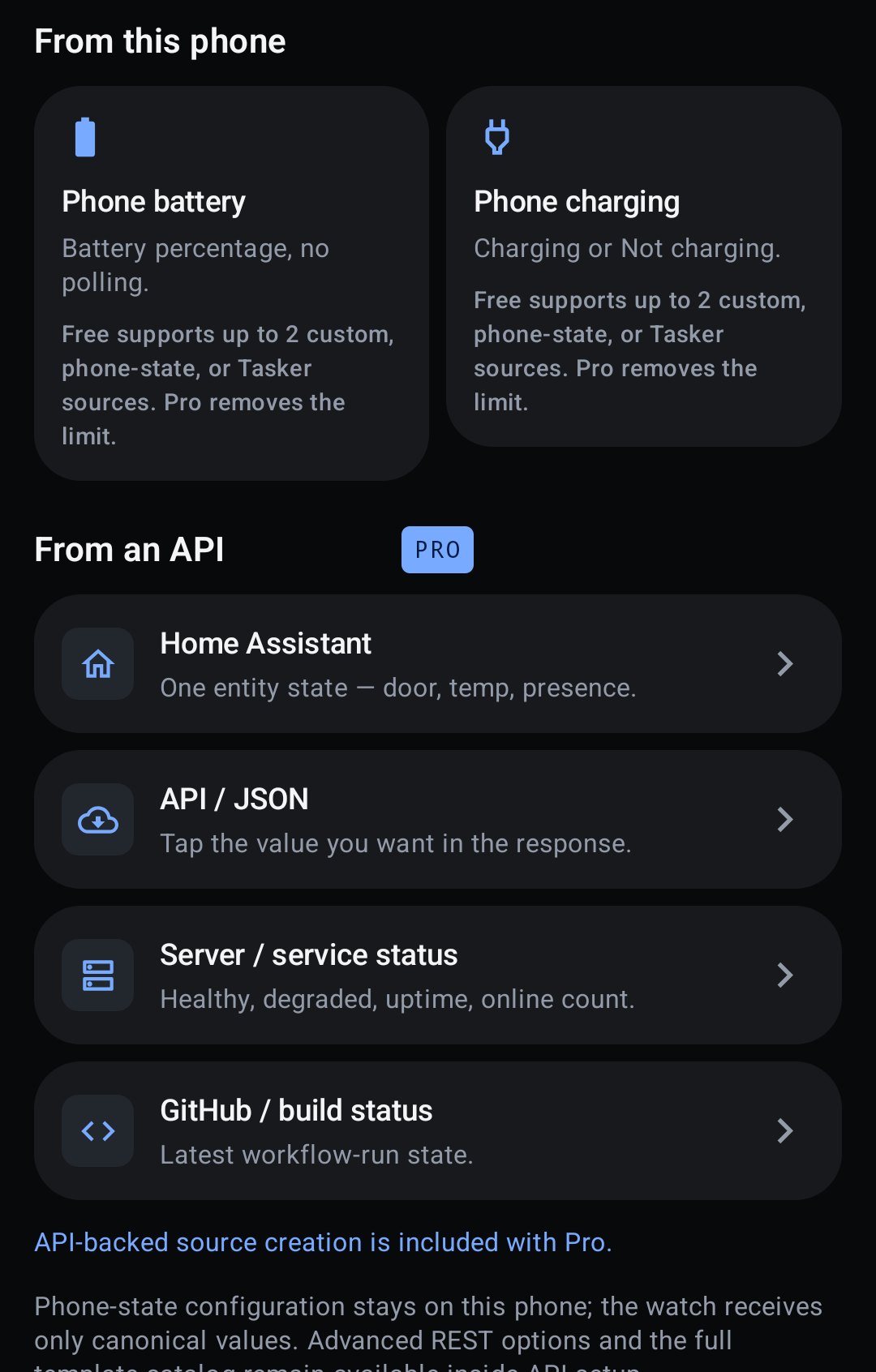
- Accept user-configured Tasker values through the supported Tasker/Locale plug-in surface
- Read supported scalar values from user-configured HTTPS REST/JSON GET endpoints on the phone
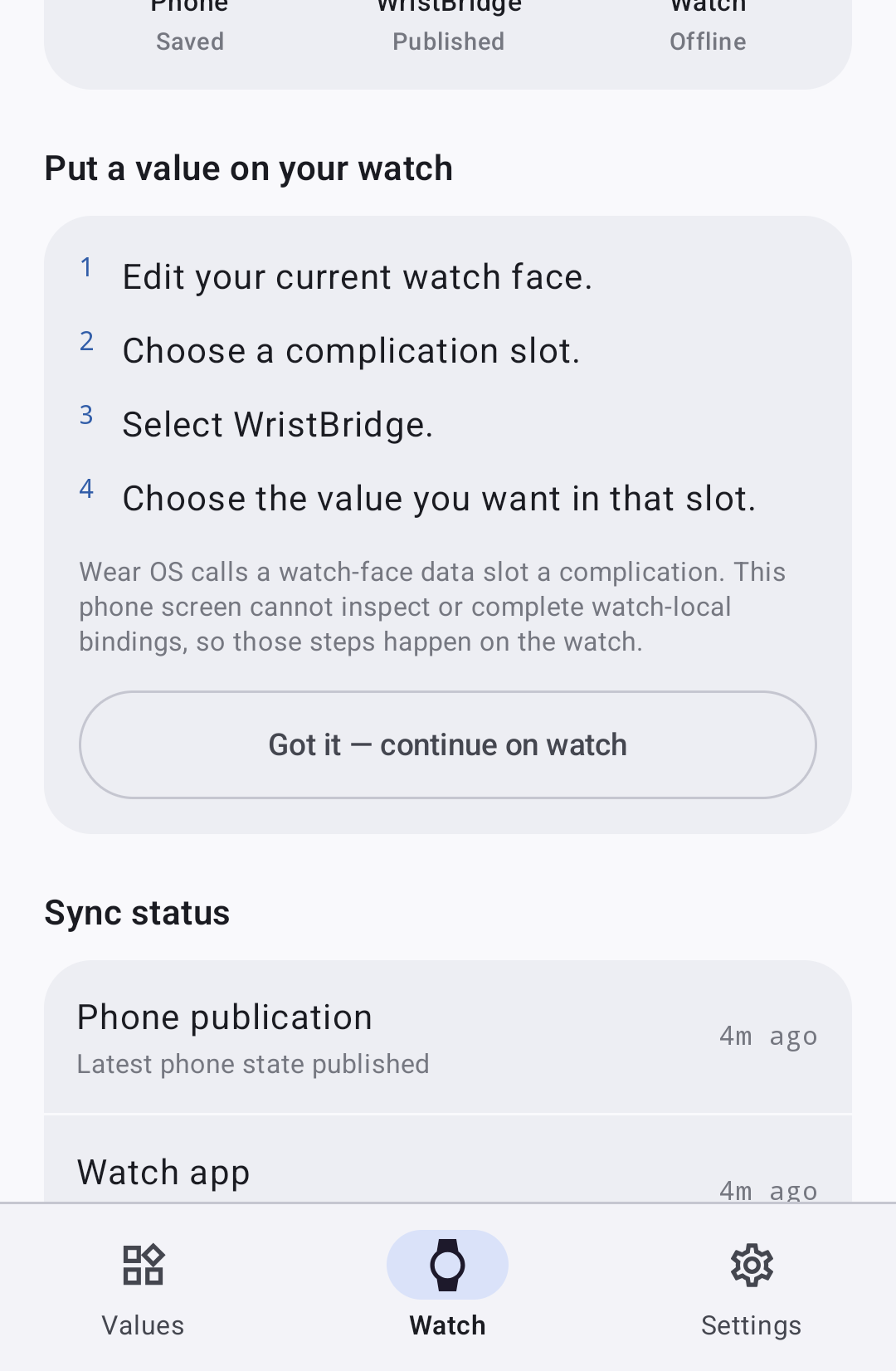
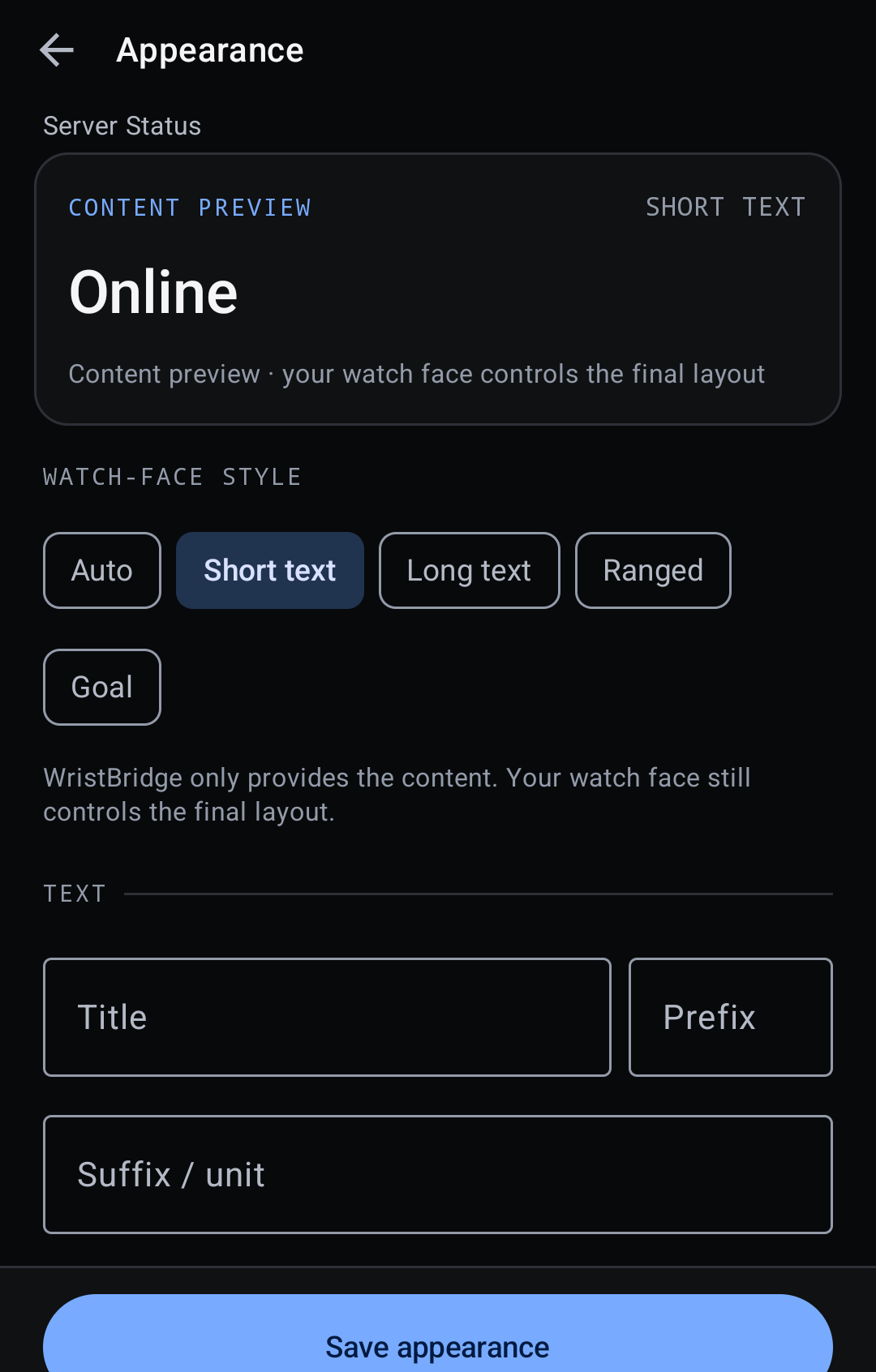
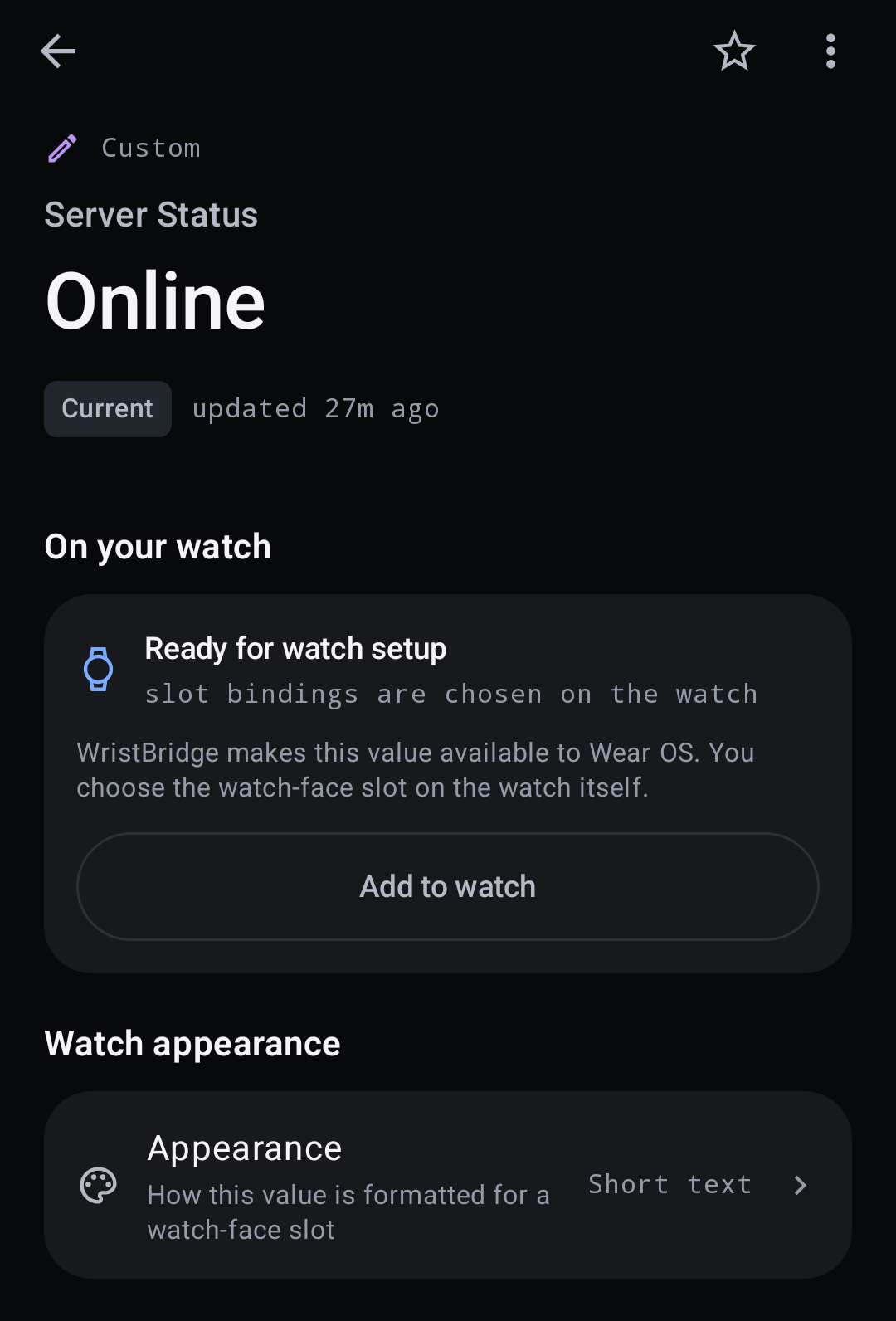
- Bind WristBridge sources to native Wear OS SHORT_TEXT, LONG_TEXT, RANGED_VALUE, and GOAL_PROGRESS complication types where the watch face supports them
- Render complications from watch-local persisted state rather than performing remote network acquisition during a complication request
- Preserve the last valid snapshot when a source refresh fails so stale or error state can be shown without fabricating a current value
- Keep REST credentials on the Android phone in Android Keystore-backed encrypted storage; credentials are not synchronized to the watch
- Use durable versioned Wear Data Layer state synchronization between the phone and watch
- No WristBridge account or developer-operated cloud backend is required for the current V1 architecture
- Free core with an optional one-time Lifetime Pro purchase through Google Play Billing; no WristBridge account or developer-operated cloud backend is required
Frequently Asked Questions
Is WristBridge a watch face?
No. WristBridge is a data-source utility. It supplies values through native Wear OS complications that compatible watch faces choose how to render.
Does WristBridge support Tasker?
Yes. The current implementation includes a Tasker/Locale setting plug-in path for sending bounded values into configured WristBridge sources.
Can WristBridge show JSON API data?
Yes. The current phone implementation supports bounded HTTPS GET acquisition and constrained JSON scalar extraction. Network acquisition happens on the phone, not during watch complication rendering.
What happens if my phone or network is temporarily unavailable?
The watch complication renders from its local persisted replica. WristBridge preserves the last valid synced snapshot and represents freshness or error state instead of inventing a current value.
Does WristBridge send my values or API credentials to a developer server?
No WristBridge-operated backend is required for V1. REST requests go to endpoints you configure, and REST credentials remain on the phone rather than being synchronized to the watch.
Is WristBridge available on Google Play now?
Yes. WristBridge is now available on Google Play for Android phones with a paired Wear OS experience.
Help & feedback
Report a problem, suggest an improvement, or contact the developer about WristBridge: Wear OS Data. No GitHub account is required.
Related Quazmoz apps
A small set of explicitly related products, not a random catalogue sample.
Learn how this Wear OS app fits the workflow
Use the focused guide when you want the practical workflow, or explore related Wear OS apps for the same type of task.
Browse all Wear OS apps