PressDeck: Button Remapper
Turn supported Volume Up and Volume Down double presses and long presses into user-defined shortcuts, with guided device compatibility checks and conservative fallback behavior when Android cannot safely support a gesture.

Quick Facts
- Platform
- Android
- Purchase model
- Free + one-time Pro
What can PressDeck: Button Remapper help with?
Common problem statements this app is designed to address:
- Map supported Android volume-button double presses or long presses to shortcuts
- Launch the flashlight, camera, an app, media controls, or curated Android settings from supported volume-button gestures
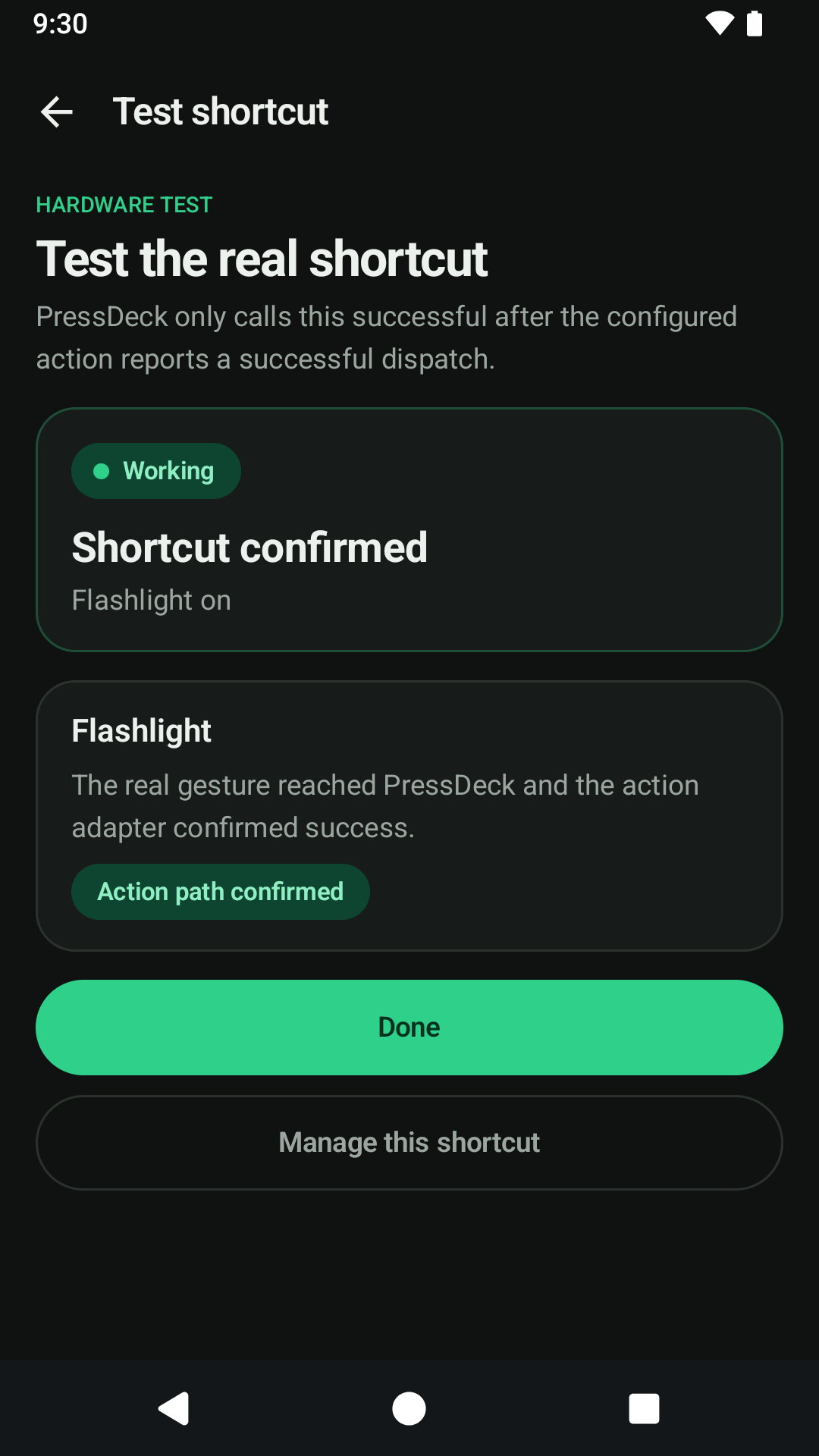
- Check whether a specific Android device safely supports volume-button remapping before relying on a shortcut
Screenshots
Key Features
- User-defined shortcuts for supported Volume Up and Volume Down double presses and long presses
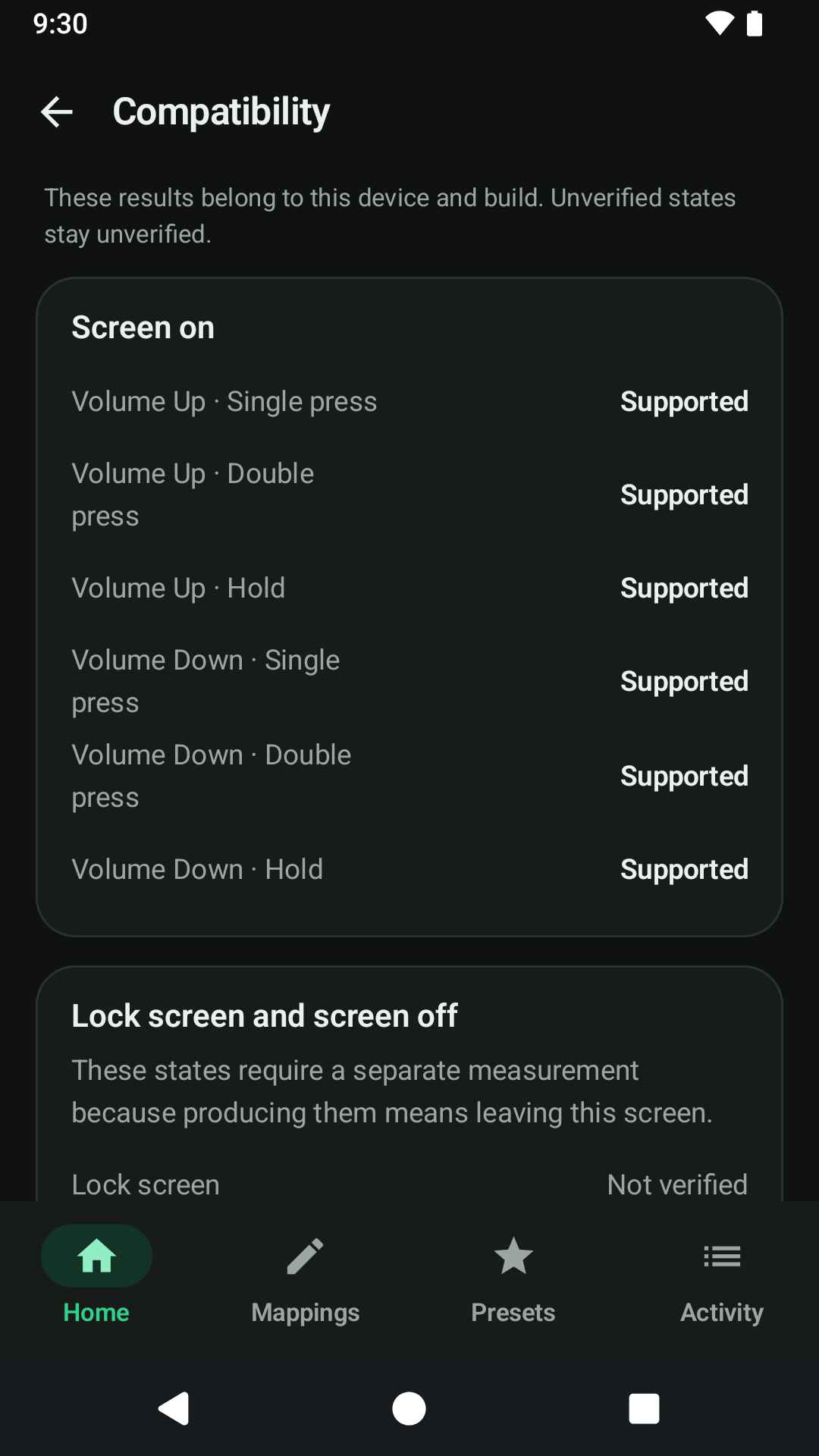
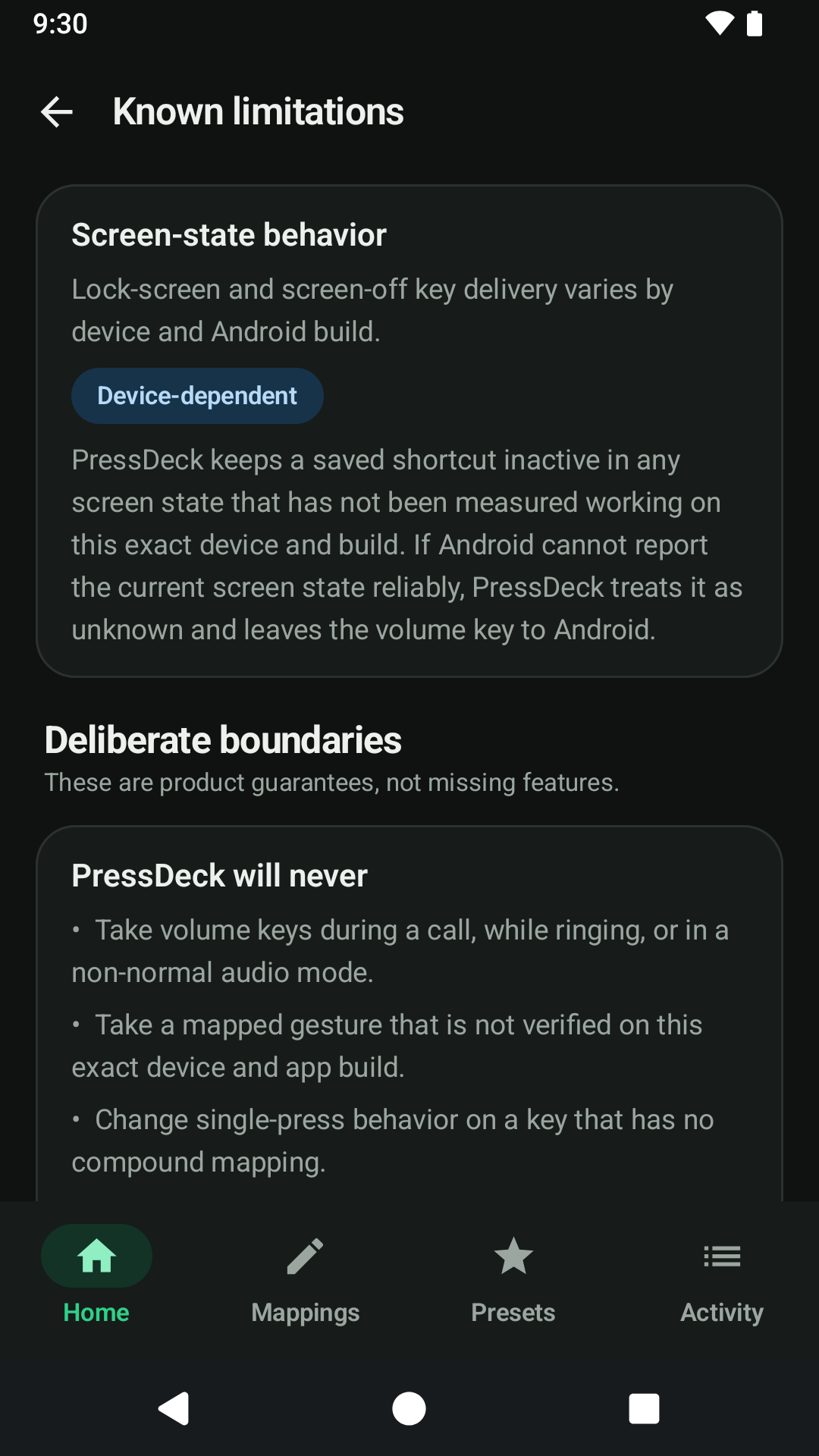
- Guided per-device compatibility testing so unsupported lock-screen, screen-off, or hardware behavior is not presented as universal
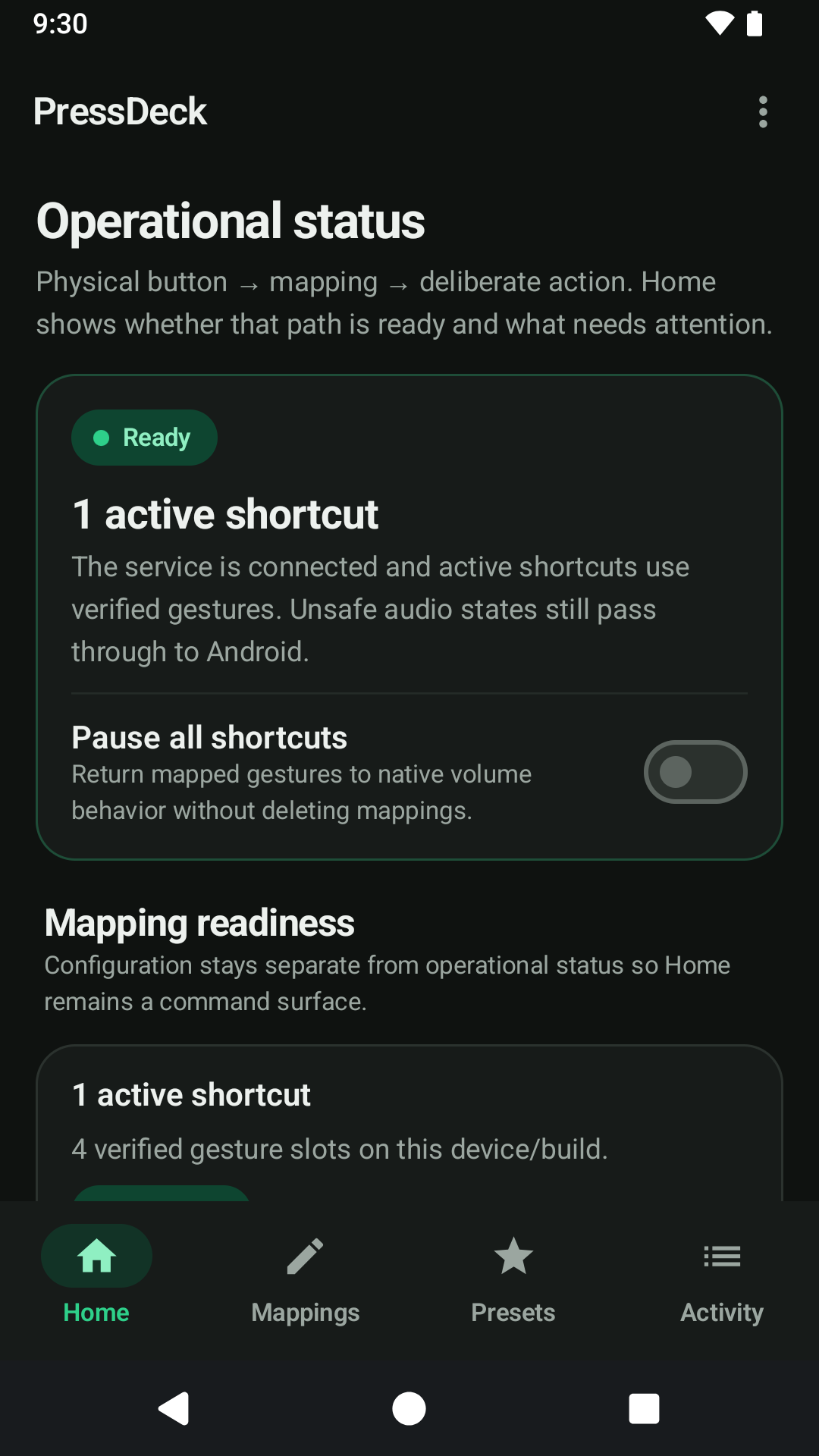
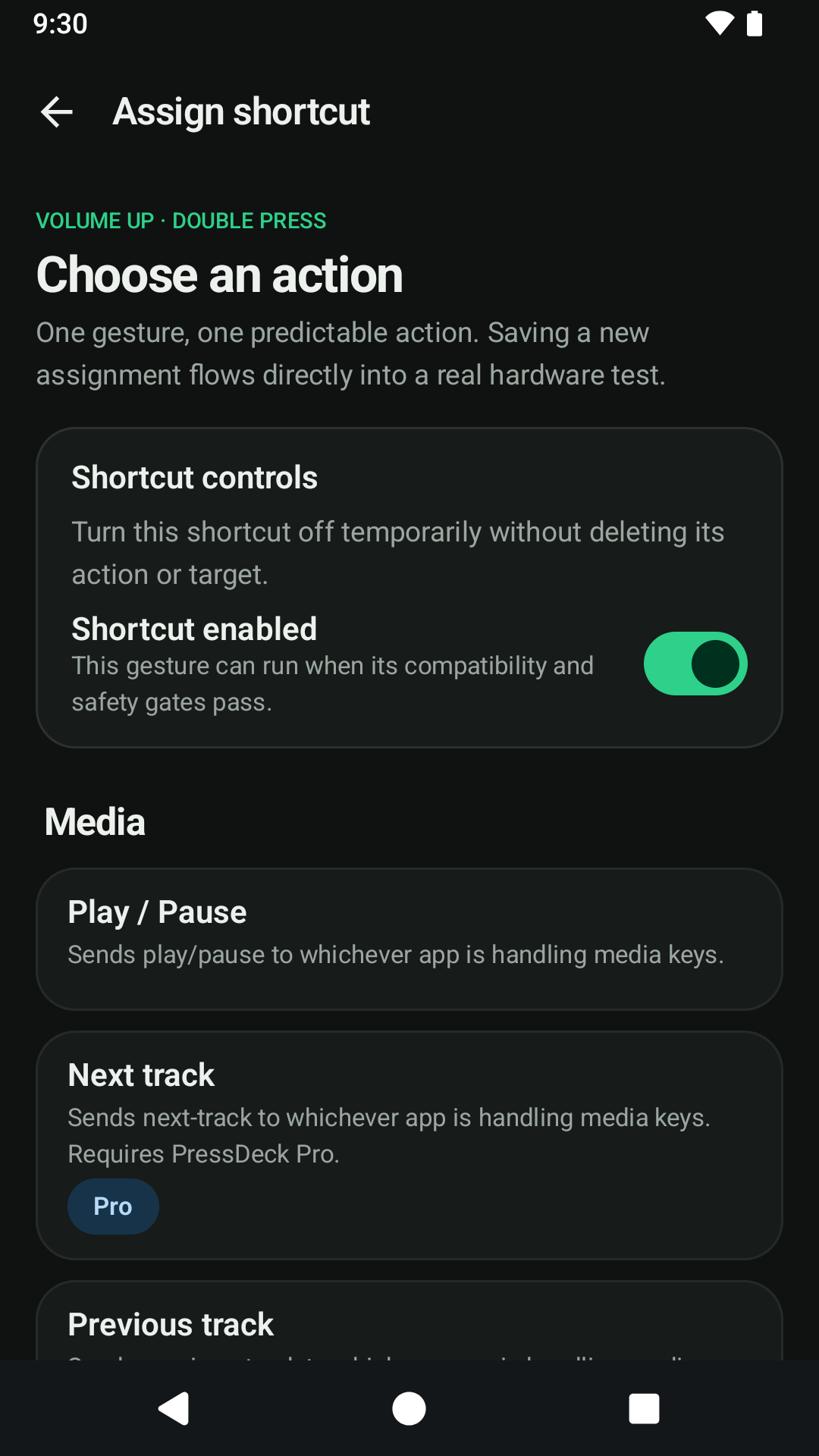
- Free includes one active shortcut with supported Play / Pause, app launch, camera launch, and flashlight actions
- Optional lifetime Pro unlock adds additional eligible active shortcuts, Next track, Previous track, and curated Android Settings actions
- Native single-press volume behavior is preserved within the limits supported by the device and current Android state
- Safety-first fallback yields the key stream back to Android when PressDeck cannot safely reproduce normal volume behavior
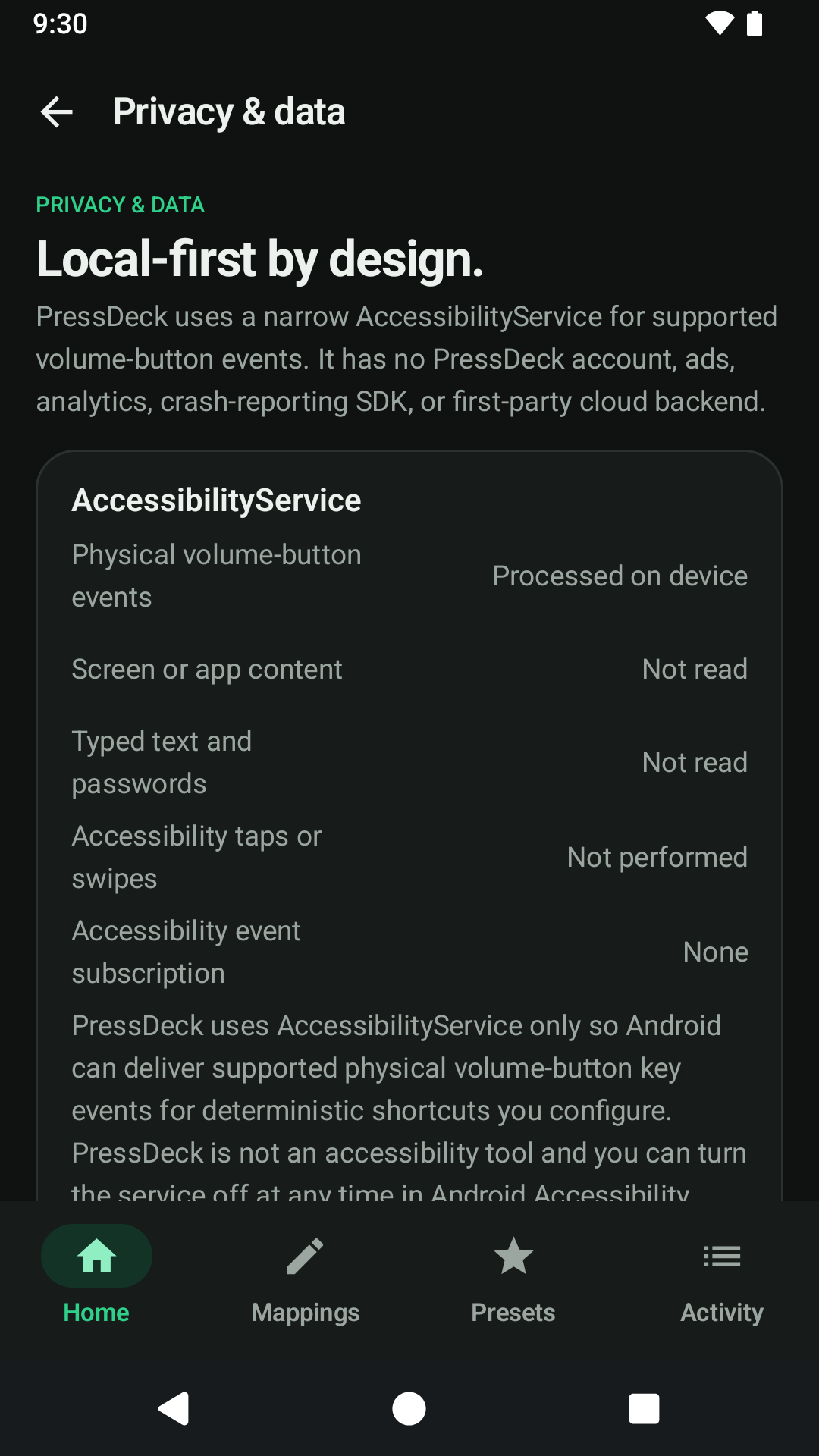
- AccessibilityService is limited to the hardware-key filtering required for the declared volume-button feature
- No screen-content reading, typed-text collection, autonomous UI gestures, PressDeck account, ads, analytics, or first-party cloud backend
Frequently Asked Questions
Will PressDeck remap every button on every Android phone?
No. PressDeck is deliberately focused on Volume Up and Volume Down, and Android manufacturers handle hardware keys differently. PressDeck tests and reports device-specific support instead of promising universal remapping.
Why does PressDeck use AccessibilityService?
PressDeck uses AccessibilityService only for the physical hardware-key filtering needed to detect supported volume-button presses. It does not read screen content or typed text, perform accessibility gestures, or act as a disability-assistance tool.
What does PressDeck Pro unlock?
PressDeck Pro is an optional one-time lifetime purchase that unlocks additional eligible active shortcuts plus Next track, Previous track, and curated Android Settings actions. It is not a subscription.
What happens if PressDeck cannot safely handle a volume press?
PressDeck favors normal Android behavior. In unsafe or unsupported states, it yields the key stream to Android instead of forcing a shortcut or pretending support is guaranteed.
Help & feedback
Report a problem, suggest an improvement, or contact the developer about PressDeck: Button Remapper. No GitHub account is required.
PeerPush
Find PressDeck: Button Remapper on PeerPush
Open the product listing on PeerPush for another way to discover and share this app.